
Verify the download source
Check the publisher, URL and device environment before installing.
Install with a source-first checklistExplore self-custody, offline backups, multi-chain assets and transaction reviews with thoughtful interface previews and practical guidance.
Make room for one final check before every critical action.
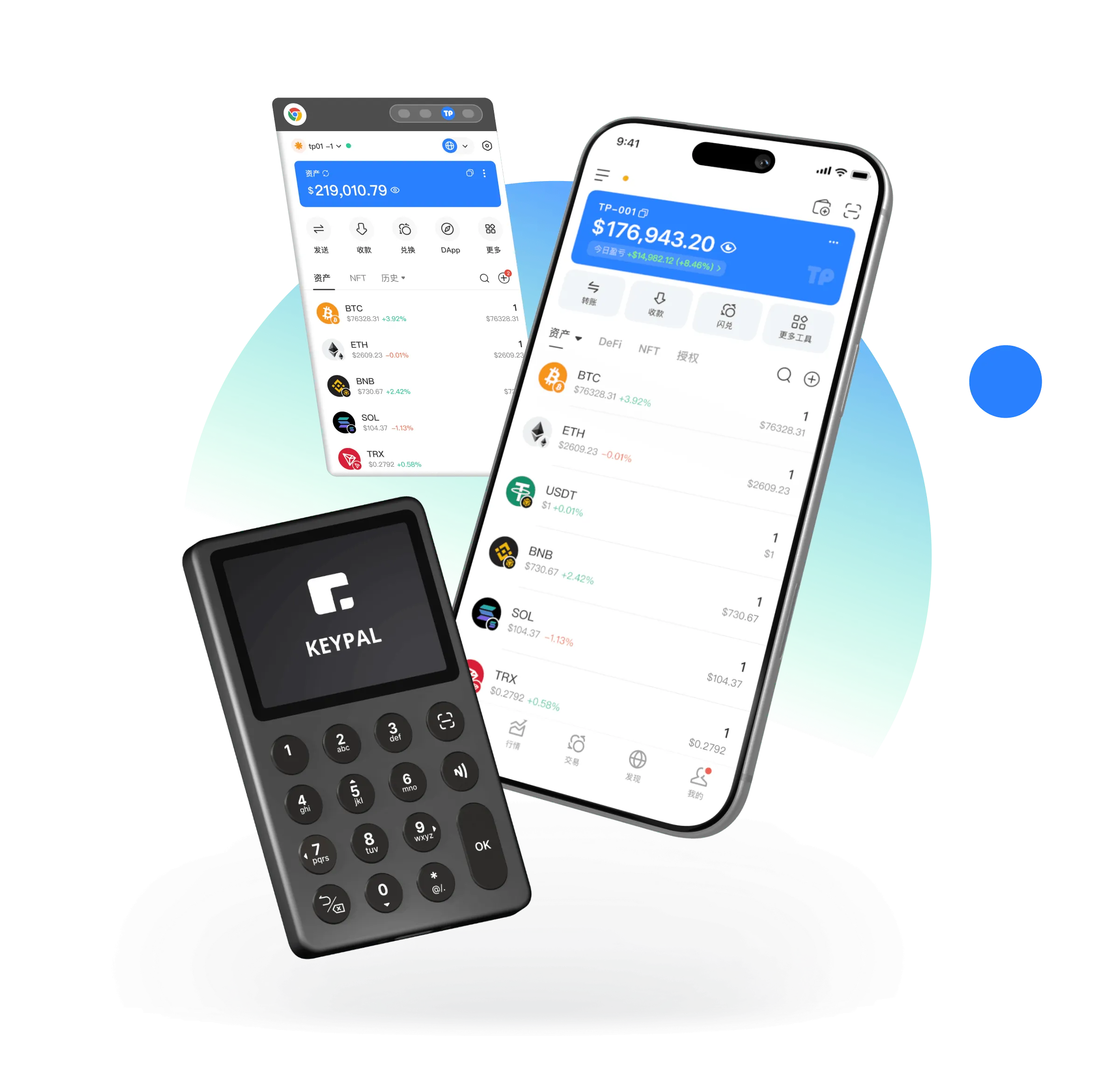
Four practical principles shape each step from setup to signing.
Keep secrets out of chats and forms.
Maintain a complete offline copy.
Review each transaction field, not only totals.
Stop whenever someone asks for your phrase.
A static product interface illustration, not connected to accounts, networks or transactions.
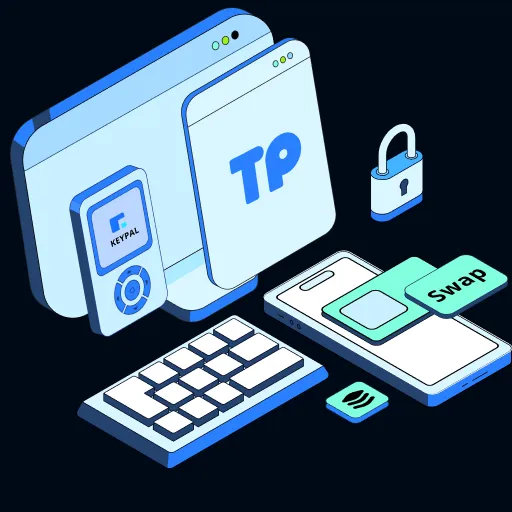
Self-custody begins with an understanding of credentials, backups and recovery. Clear interfaces cannot replace careful decisions.
A walkthrough of transaction review, not an active swap or transfer service.
DeFi, NFTs, DApps and networks are educational examples, not claims of live integrations.
Understand networks, permissions and signing before connecting to an application.
Spot wallet phishing attemptsIdentify suspicious domains, signing requests, installers and urgency tactics before acting.
Spot wallet phishing attemptsRead token and network labels carefully, and distinguish interface previews from on-chain records.
Understand assets across networksLearn what to inspect before signing without mistaking an example warning for live protection.
Build a transaction risk review habitUse a repeatable network, address, amount and fee checklist for outgoing transactions.
Review an asset transfer before signingThese are checklists and explanations, not live security scanners or automated protection.
Every step links to a concrete guide and a practical check.
Check the publisher, URL and device environment before installing.
Install with a source-first checklistUnderstand the difference so you do not overwrite existing credentials.
Create a wallet with confidenceWrite all words in order privately, never in a cloud note or form.
Protecting your private keysCheck the backup and prepare a device replacement plan.
Your first recovery phrase backupUnderstand token identifiers and different network contexts.
Understand assets across networksConfirm address, network, amount, fees and final authorization.
Review an asset transfer before signingCompatible account formats do not make every cross-network transfer safe. Check destination networks, fees and token contracts.
Review an asset transfer before signing
Layer 2 networks can differ in bridging and fee behavior. Follow reliable, service-specific instructions before moving assets.
Understand assets across networks
Explore actual on-site resources, without invented support channels or community links.
Understand local keys and interface preview limitations.
How local key management worksThese answers are included directly in the page HTML.
This website explains self-custody principles, rather than verifying the custody model of a released application. Confirm the real product’s key management before use.
Installation and blockchain operations may require connectivity. Backing up recovery words should happen privately; actual offline features depend on the application.
Write it down in the correct order offline. Avoid screenshots, cloud storage, chats, and anyone claiming to be support.
A private key controls a specific account, while a recovery phrase commonly restores a group of keys. Both must remain secret.
Verify the publisher, your device and backup plan before you install.
⬇ Download NowNo verified installation package is provided on this site.